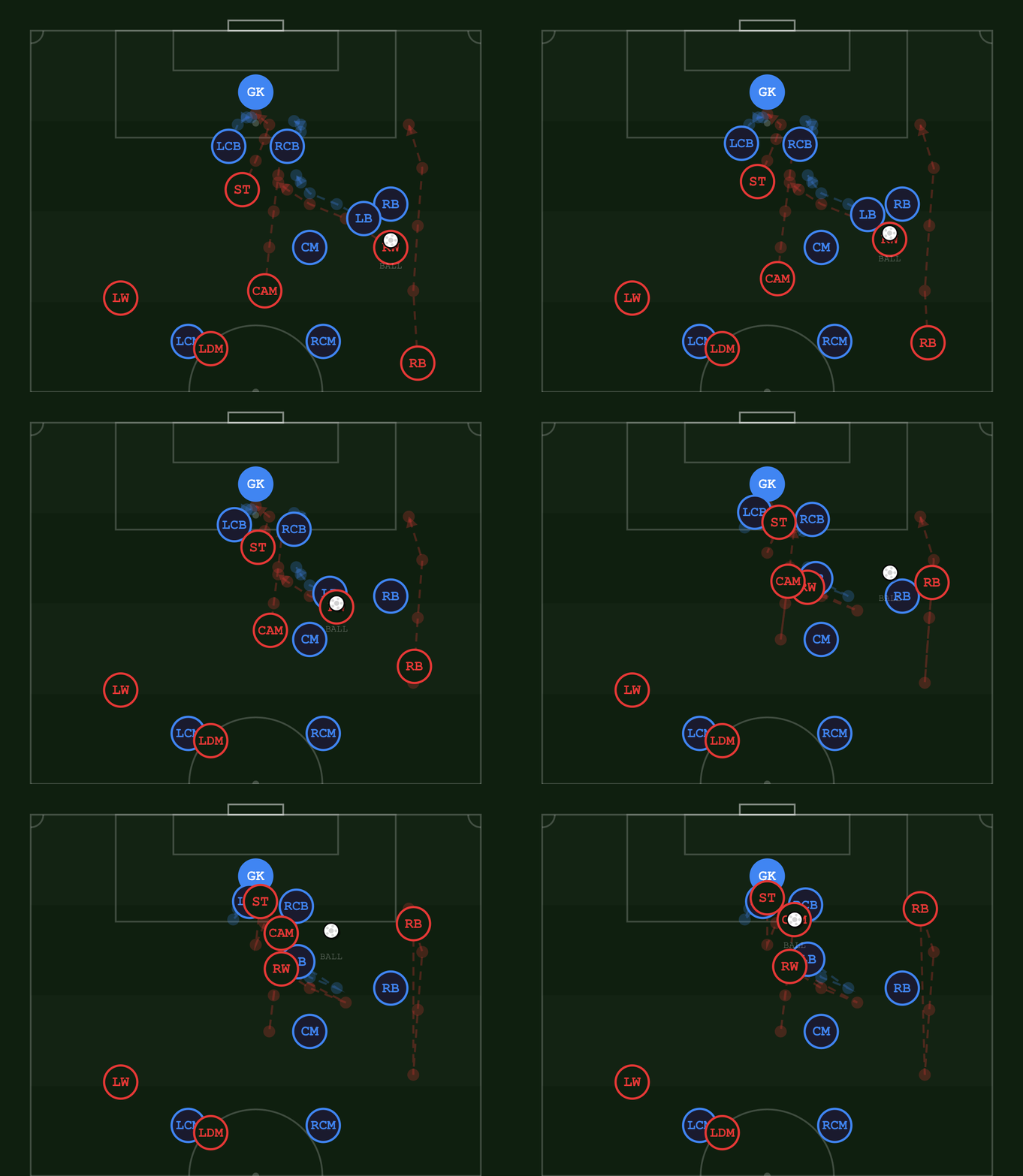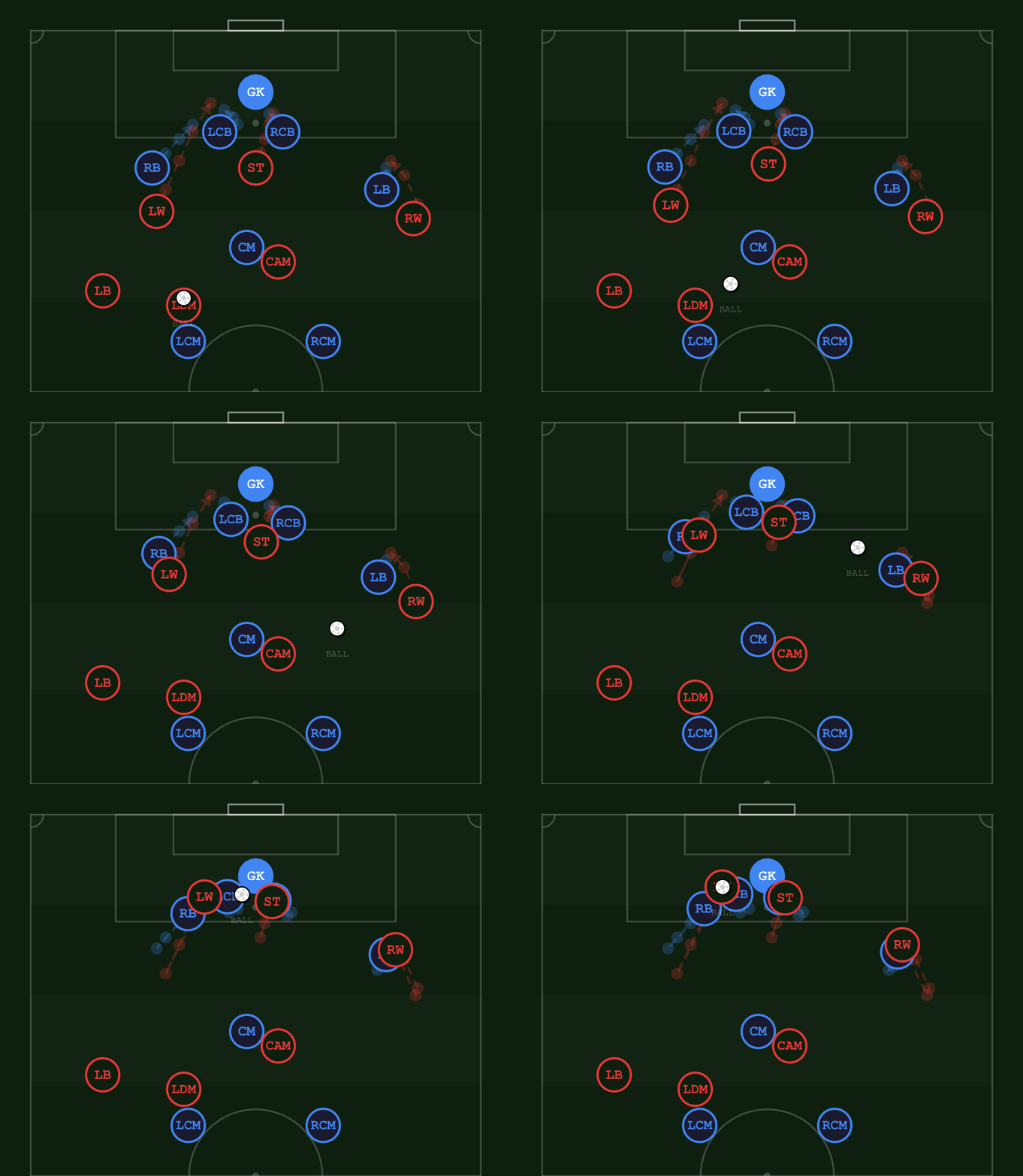
Animated Tactics turns a football idea into a looping clip on an iPad — position the shape, draw the runs, hit play. What comes out is ready for X, YouTube, TikTok or your stream overlay.
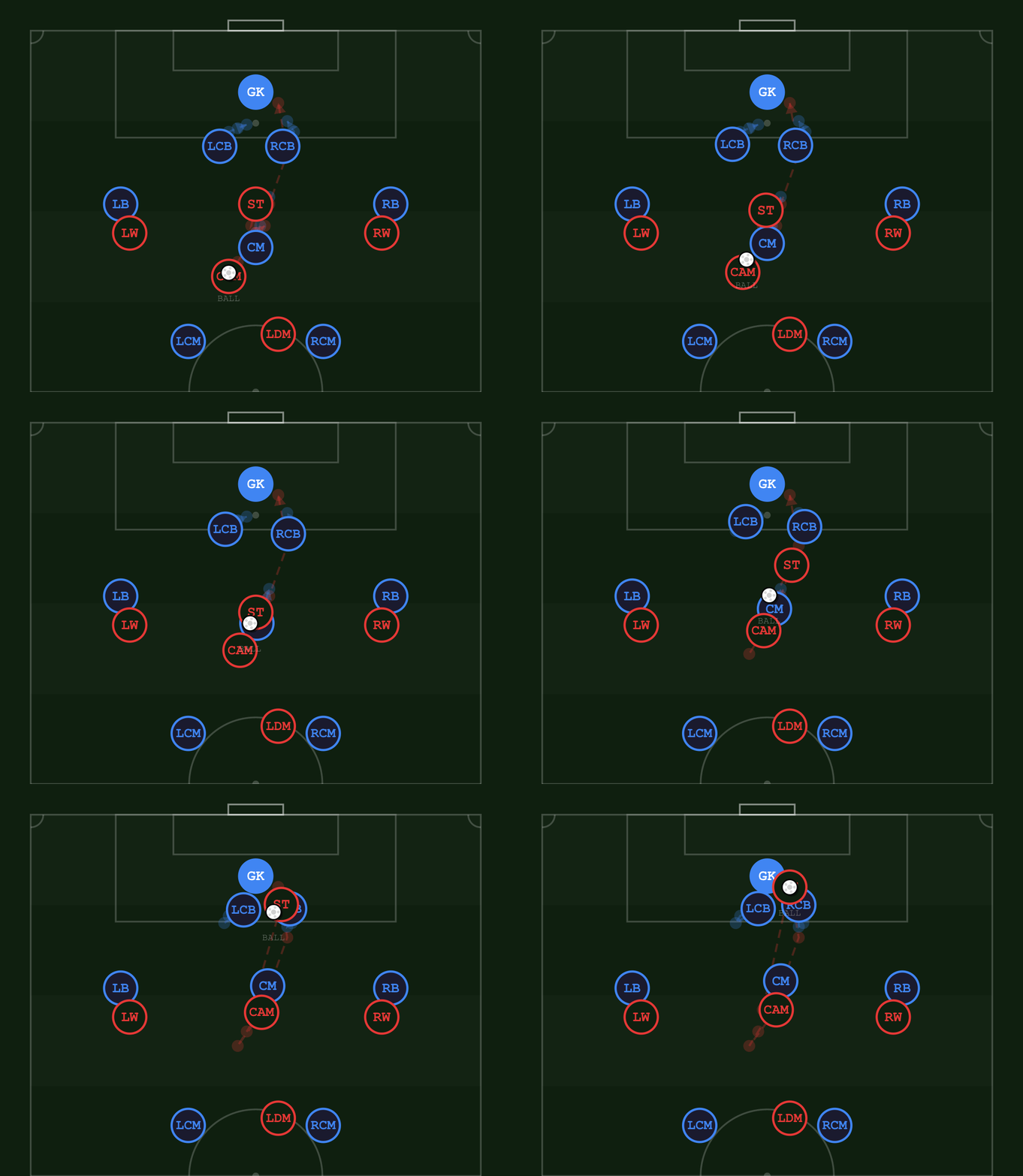
Every clip below came straight out of the app — no editor, no motion graphics, no render queue. One tactical idea, looping, readable with the sound off.
Export as a looping GIF or an MP4, framed 16:9, 9:16, 1:1 or exactly as you set the camera — so the same move fits a timeline post, a short, or a full-width segment without recropping.
Partnering with creators before launch is how this app gets sharpened. If you break down football for an audience, there's a build waiting for you.
Creators get a build now, ahead of the public App Store release, plus a direct line for anything you need changed.
The iPad layout rearranges itself in landscape so the pitch fills a 16:9 frame instead of sitting in pillarboxes. That layout exists specifically for going on stream.
Team names, kit colours and trims are all yours to set, so the board matches your channel rather than someone else's badge.
Drag, draw, play. A move takes about a minute to build, so you can answer a question on air by drawing the answer.
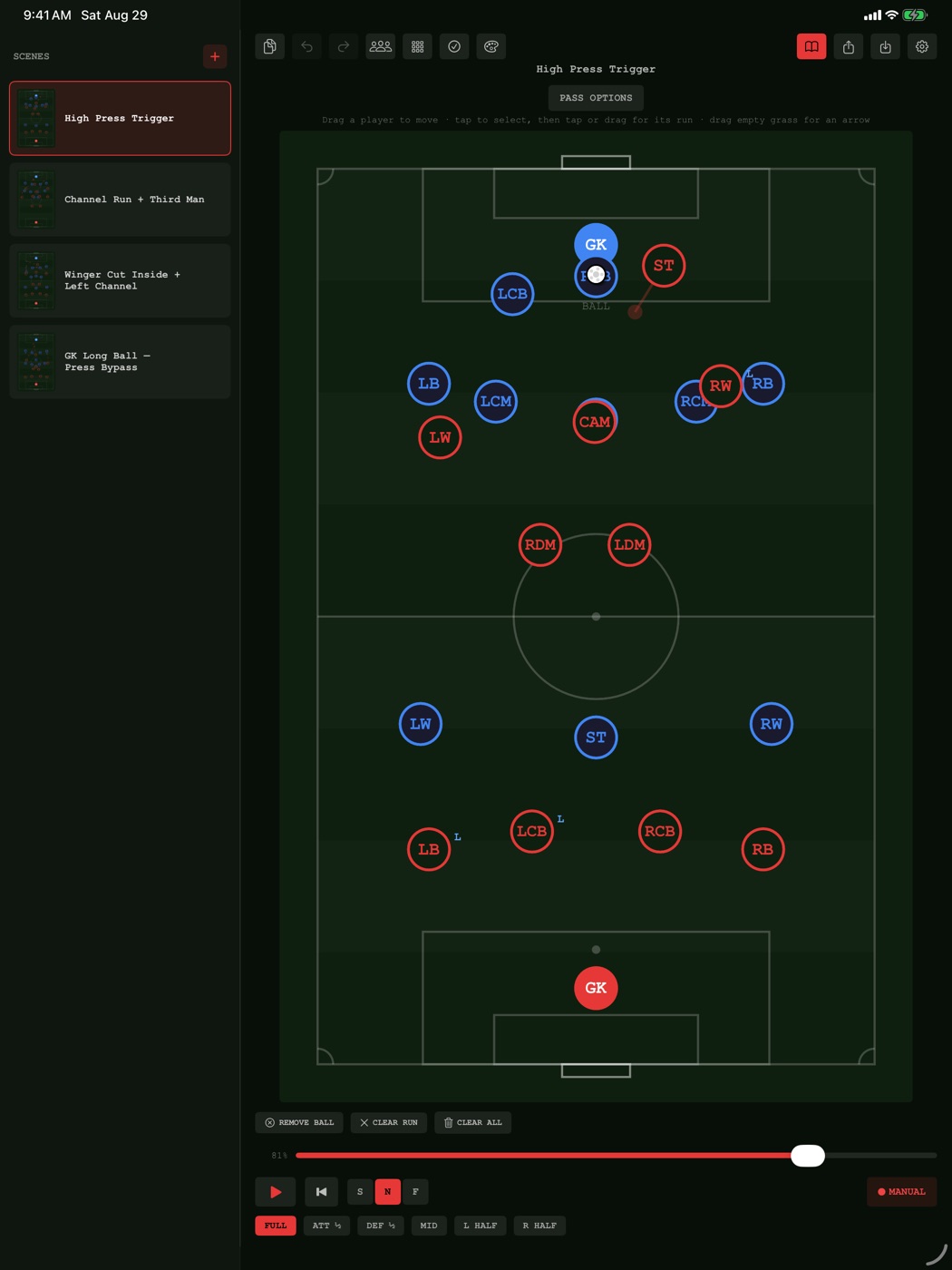
Everything happens on one screen — position, draw and play without switching modes.
Each dot shows its position. Drag them to build your shape, or drop a formation on in one tap.
Tap a player to select them, then tap or drag the pitch to set where they run. Add arrows anywhere to mark the idea.
Press play to preview the whole move, then export it as a looping GIF or an MP4.
Being straight about what's shipped and what isn't.
The build is finished and goes to App Review shortly. Creators get their copy before it reaches the store.
Say or type what should change — "push the left-back higher and have him overlap" — and the scene on the board updates. Not in the launch build.
Point it at a fixture and get the goals and key moments back as editable animated scenes. Not in the launch build.
Partnerships, early access, or just questions about the app — this reaches us directly, and we answer.
bilgehan@brightflow.bizFor early access, it helps to say where you publish, roughly how big your audience is, and what you'd use the app for.